How MyDocUploads works
One client, one workspace, from first request to final signature.
Client work runs on four things.
Files. Conversations about those files. Credentials that aren't files. And decisions. Most firms keep them in four places: email attachments, reply-all threads, passwords in text messages and a separate e-signature tool. MyDocUploads puts all four in one secure workspace per client.
One job, start to finish.
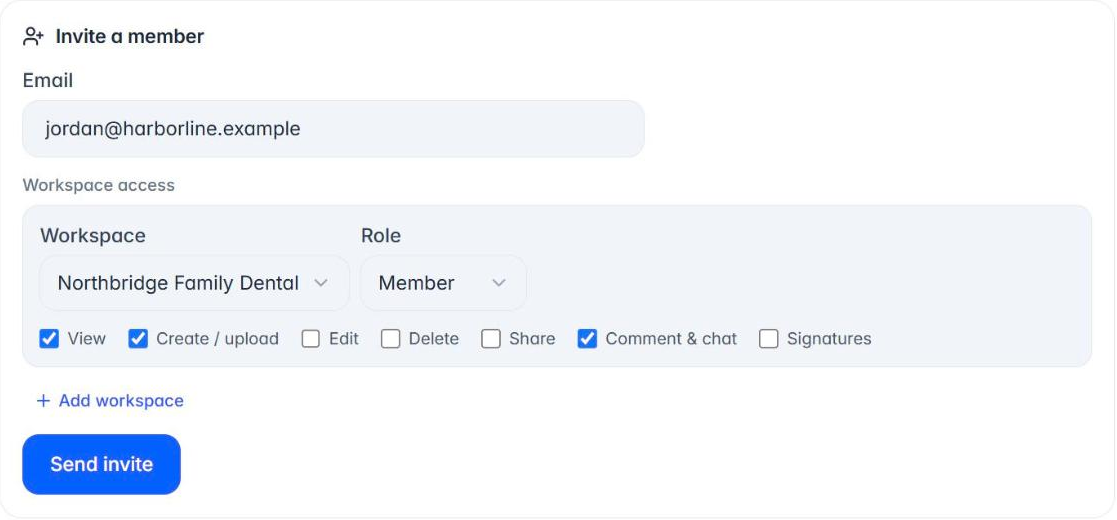
Create a workspace for the client. Invite your team with the right permissions.
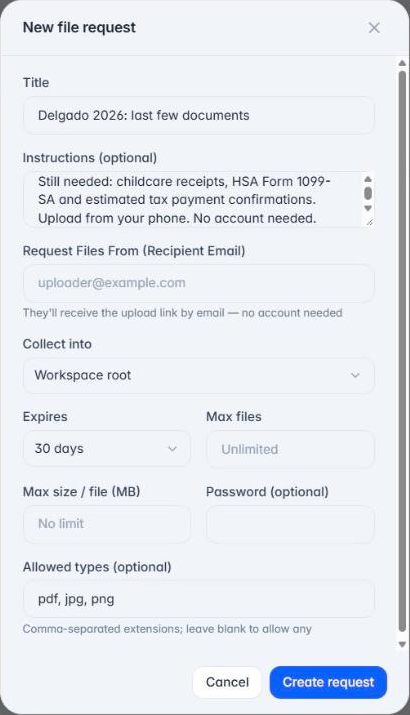
Send a file request. The client uploads from a link, with no account. Every file is malware-scanned and lands in the workspace.
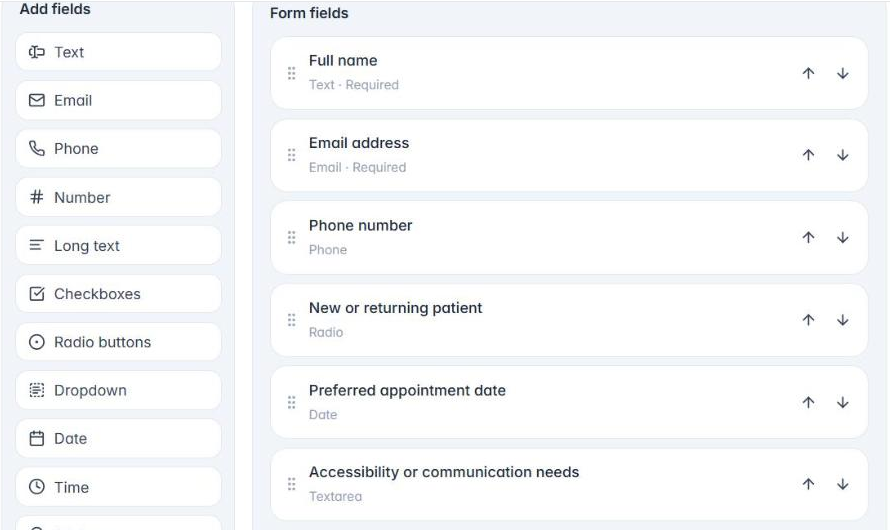
Ask your questions with a secure intake form in Flow. Answers stay with the client's files.
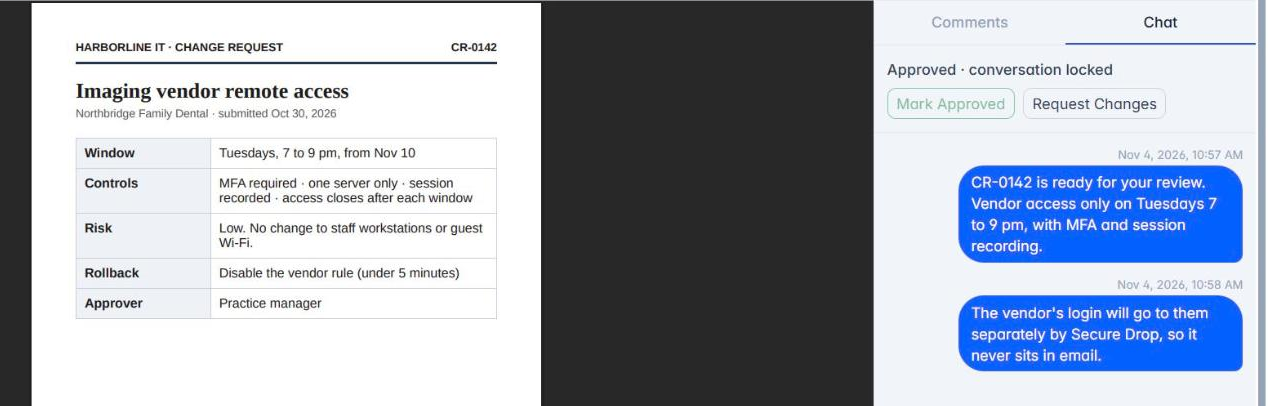
Something is wrong with a file? Say so on the file, in Conversations. Mark it approved when it's right.
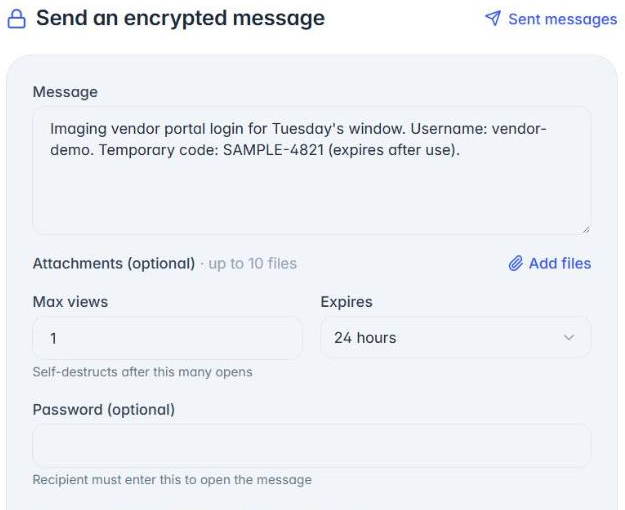
Need to send a portal login? Use Secure Drop. It's encrypted and disappears after the views you set.
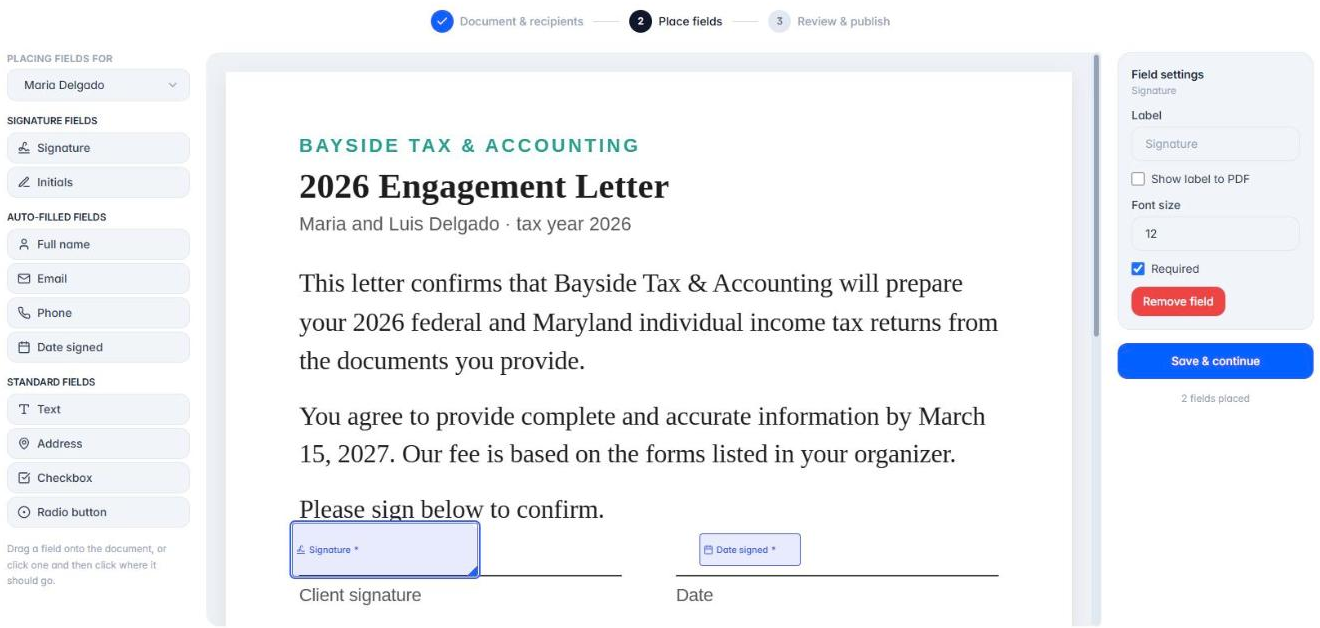
Send the final PDF for signature with Sign. The signed copy comes back to the same workspace.
Four rules your team can remember.
- Discuss a file→ Conversations
- Send something that isn't a file→ Secure Drop
- Collect files→ File Requests
- Collect information→ Forms (Flow)
And one more: signatures go to Sign, never into a form.
Your clients never need an account.
Clients, signers and form-fillers use secure links. They never create a login or remember a password. You pay only for the people on your team who log in.
Try it with one real client.
Every plan includes all five modules. 14-day free trial, no credit card required.